All industries

Manufacturing / AI & OPERATIONS

Connect production information to the next useful decision.

Bring order coordination, quality records, maintenance administration, and operational reporting into a more coherent workflow.

Request a diagnostic
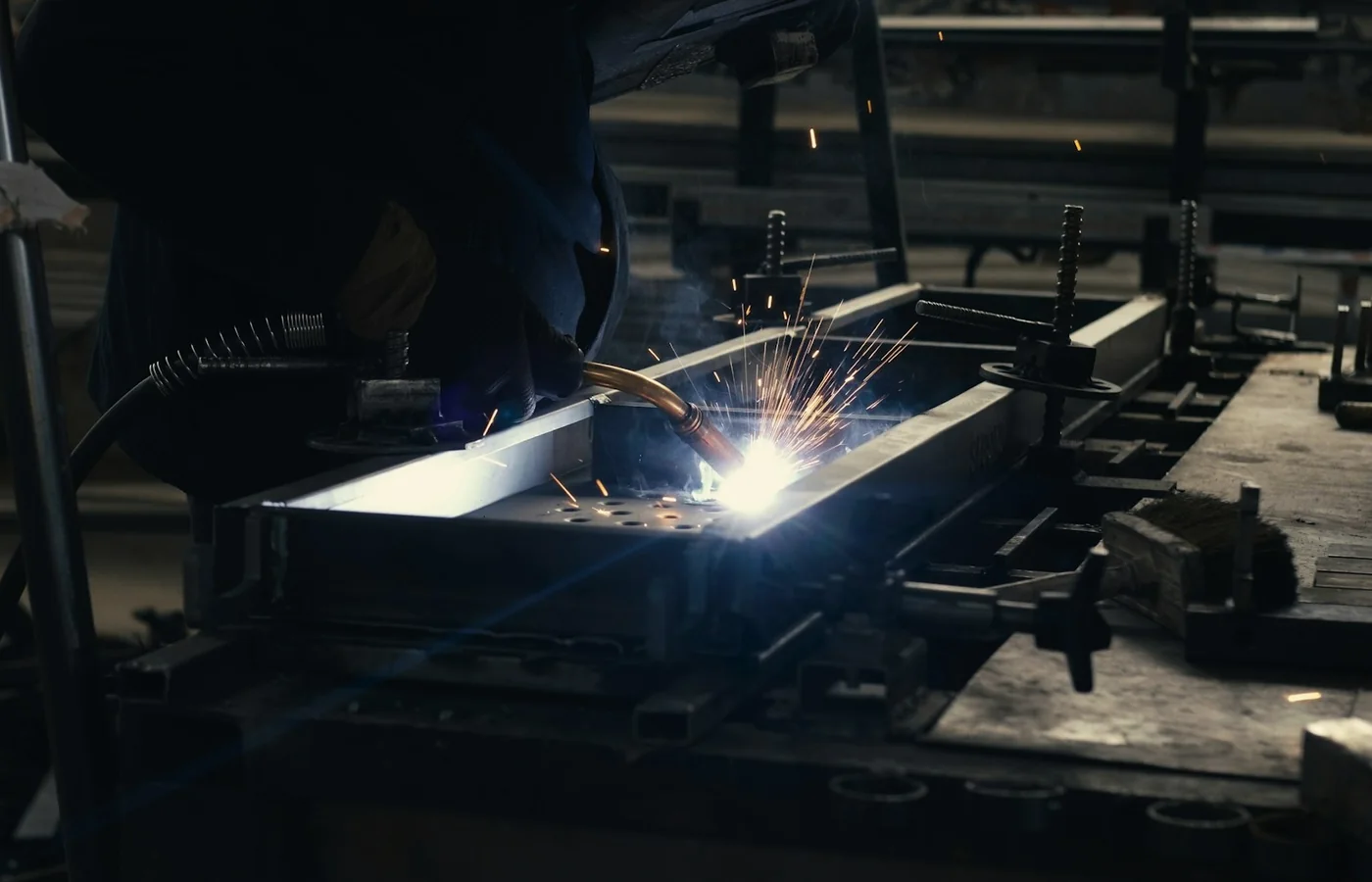
Worker welding a metal frame in an industrial workshop
Production coordination & operational records

Understand the work
between the systems.

A production team may have plenty of data and still spend the shift chasing an answer. An order change sits in email, a quality issue lives in a separate tracker, and the planning team reconciles yesterday’s figures before deciding what to do today.

We focus first on the information and administrative workflows around production. Clear identifiers, agreed record ownership, and reliable handoffs make an automation useful. The starting point is a bounded operational decision, rather than connecting every machine or promising a predictive model before the data is understood.
Useful automation.
Defined boundaries.

Examples to assess against your process, data, and operational requirements.

01

Order change coordination

Match a customer amendment to the correct order and summarize the requested changes for planning. Flag missing specifications and conflicting delivery expectations.

Planning approves changes before the production record is updated.
02

Quality issue intake

Structure an issue report using the relevant product, batch, observed defect, and supporting evidence. Route incomplete records for clarification and assign the review owner.

Quality personnel decide disposition and release.
03

Maintenance administration

Classify incoming work requests, locate equipment references, and prepare work order details. Surface repeated reports for the maintenance team to investigate.

The maintenance owner sets priority and authorizes work.
04

Daily operating brief

Combine approved production, order, and exception records into a draft brief. Show the origin and refresh time of each figure so supervisors can challenge inconsistencies.

A supervisor verifies the report before distribution.

ONE EXAMPLE WORKFLOW

An order amendment without the repeated rekeying.

Example: carry an approved customer change from intake to planning, while keeping schedule and commercial decisions with their owners.

  1. 01

    Identify

    Match the message to an existing customer, product, and order identifier.

  2. 02

    Compare

    Display proposed changes alongside the current approved specification.

  3. 03

    Approve

    Ask planning and the commercial owner to confirm the amendment.

  4. 04

    Reconcile

    Update permitted fields and confirm the downstream records agree.

Connected to the tools you already use.

Typical boundaries include ERP, production planning, quality management, maintenance records, and reporting. System access, data granularity, and update frequency determine the practical design; an integration should not assume every record is available in real time.

  • ERP & order records
  • Production planning
  • Quality systems
  • Maintenance tools

START WITH A DIAGNOSTIC

Bring one workflow.
Leave with a clearer plan.

Choose one information flow, such as order amendments or quality issue intake. We follow representative records across departments, identify conflicting definitions, and measure handling, rework, and exception volume. The pilot is evaluated against that baseline with the people who will operate it.

Request a diagnostic

Define a useful first engagement.

  • Cross-team information flow and ownership map
  • Data readiness and integration assessment
  • Pilot scope with exception and acceptance criteria

SERVICES FOR THIS WORKFLOW

Workflow auditsCRM & ERP orchestrationProcess mapping